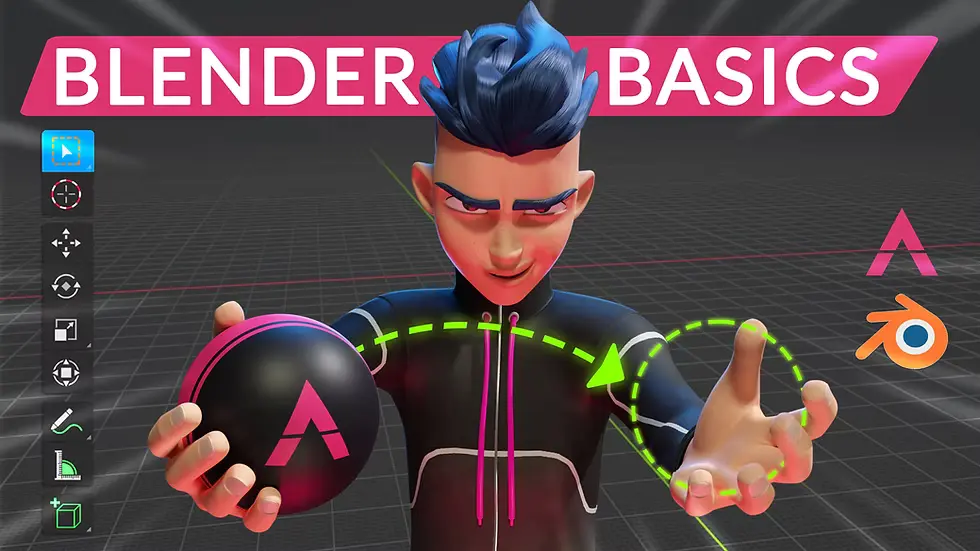





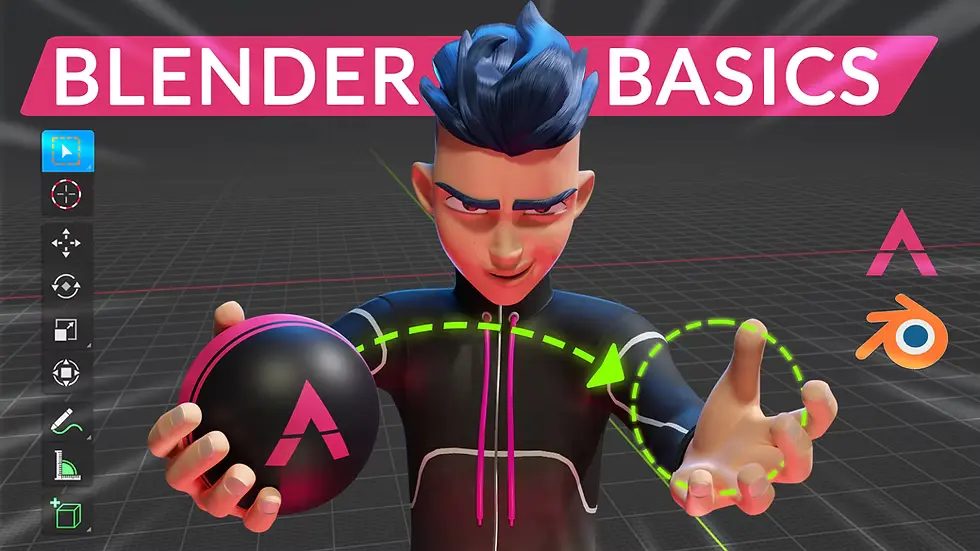
3D Modeling & Animation
What you'll learn
• Navigate the Blender workspace confidently
• Create 3D models using mesh editing tools
• Understand sculpting basics for detailed models
• Apply materials, textures, and shading
• Build basic character rigs and animations
• Set up lighting and cameras for realistic scenes
• Render and export projects for games, films, and web use
This course includes:
• 1 Final 3D Project
• 12–16 Hours Live Classes
• Online / Onsite (Physical)
• Practice Assets & Starter Files
• Exercises & Assignments
• Certificate of Completion
Course Content
Blender Basics & Navigation
• Introduction to Blender
• Workspace & interface overview
• Viewport navigation:
- Move
- Rotate
- Zoom
• Understanding:
- Objects
- Collections
- Outline
- Transform tools:
- Position
- Rotation
- Scale
3D Modeling & Sculpting
• Basic mesh editing:
- Vertices
- Edges
- Faces
- Modeling tools:
- Extrude
- Loop Cut
- Bevel
- Inset
• Creating objects from primitives
• Introduction to sculpting tools
• Hard-surface vs organic modeling basics
Materials, Textures & Shading
• Applying materials and textures
• Shader Editor & node system
• Basic shading nodes:
- Principled BSDF
- Image Texture
- UV mapping basics
- Creating realistic surfaces:
- Metal
- Glass
- Plastic
Rigging & Animation
• Armature basics
• Parenting meshes to bones
• Basic rigging workflow
• Keyframe animation:
- Position
- Rotation
- Scale
• Simple character animation principles
Lighting, Cameras & Rendering
• Types of lighting:
- Point
- Sun
- Area lights
• Camera setup and framing
• Rendering engines: - Eevee
- Cycles
• Rendering images and animations
• Basic scene composition
Final Project
Project: Animated 3D Scene / Character
Features:
• Custom 3D model
• Materials and textures
• Basic rigging and animation
• Lighting and camera setup
• Final rendered animation/image
Exporting & Output
• Export formats:
- FBX
- OBJ
- GLTF
- Exporting for:
- Games
- Film
- Web/AR
Requirements
• No prior 3D experience needed
• Laptop/PC capable of running Blender
Description
This course introduces students to 3D modeling and animation using Blender. Students will learn how to create models, apply textures, animate scenes, and render professional-quality visuals.
By the end of this program, learners will be able to produce beginner-level 3D assets and animations for games, films, and digital media.
Why Choose This Course?
• Free industry-grade 3D software
• Beginner-friendly learning path
• Covers modeling, animation, and rendering
• Portfolio-ready 3D projects
Activities During Class
• Creating 3D models
• Sculpting and texturing
• Animating objects and characters
• Setting up lighting and cameras
• Rendering final scenes
Who Is This Course For?
• Beginners in 3D design
• Aspiring game artists
• Animation and VFX students
• Digital creators and hobbyists
Course Highlights
• Blender Interface
• 3D Modeling
• Sculpting Basics
• Materials & Textures
• Rigging & Animation
• Rendering & Exporting
🎬 Final Outcome
Students will be able to:
• Create 3D models and scenes
• Apply textures and materials
• Animate simple characters and objects
• Render professional visuals
• Export assets for games and media
📸 Course Gallery