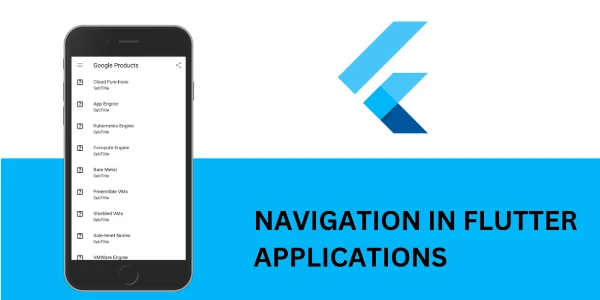





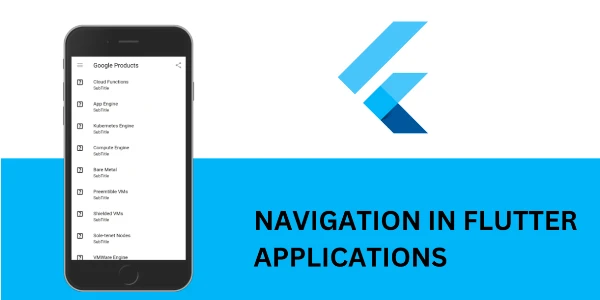
Mobile App Development Flutter Navigation, Routing & Animations
Prerequisite: Module 3 (State Management – Provider & Riverpod)
What you'll learn
• Navigate between multiple screens in a Flutter app
• Use the Navigator for screen transitions
• Pass and return data between screens
• Implement named routing for scalable apps
• Handle dynamic routing and unknown routes
• Build smooth UI using implicit animations
• Create advanced animations using controllers and tweens
• Apply Hero animations for modern UI effects
• Design multi-screen apps with seamless transitions
This course includes:
• 1 Mini Project (Multi-Screen Animated App)
• 12–16 Hours Live Classes
• Online / Onsite (Physical)
• Navigation & Animation Templates
• Practice Exercises
• Certificate of Completion
Course Content
Navigation Basics
• Introduction to navigation in Flutter
• Using Navigator:
- push()
- pop()
- pushReplacement()
• Passing data between screens
• Returning data from a screen
Named Routing System
• Named Routes Concept
• routes parameter in MaterialApp
• onGenerateRoute() for dynamic routing
• ModalRoute.of() to access arguments
• Handling unknown routes (404 screens)
Implicit Animations
• What are implicit animations?
• Widgets:
- AnimatedContainer
- AnimatedOpacity
- AnimatedCrossFade
• Hero Animation (shared element transition)
• Creating smooth UI transitions without complex code
Explicit Animations (Advanced)
• AnimationController
• Tween (value interpolation)
• AnimatedBuilder
• Custom animations
• Creating custom page transitions
Mini Project (Real-World Practice)
Project: Multi-Screen Animated App
Features:
• Multiple screens with navigation
• Passing data between screens
• Named routing system
• Smooth page transitions
• Hero animation for images
• Custom animated UI components
Requirements
• Completion of Module 3 (State Management)
• Understanding of Flutter widgets
• Basic Dart knowledge
Description
This module focuses on building real multi-screen Flutter applications. Students will learn how to navigate between screens, manage routes, and enhance user experience using animations.
By the end of this module, learners will be able to create professional apps with smooth transitions and structured navigation.
Why Choose This Course?
• Essential for real-world app development
• Modern UI/UX techniques
• Smooth animations and transitions
• Clean navigation architecture
• Industry-relevant skills
Activities During Class
• Building multi-screen apps
• Implementing navigation flows
• Creating animations
• Passing and handling data
• Designing smooth user experiences
Who Is This Course For?
• Flutter developers building full apps
• Students moving beyond UI basics
• Developers interested in UX/UI animations
Course Highlights
• Navigation System
• Named Routing
• Implicit Animations
• Explicit Animations
• Mini Project
📸 Course Gallery