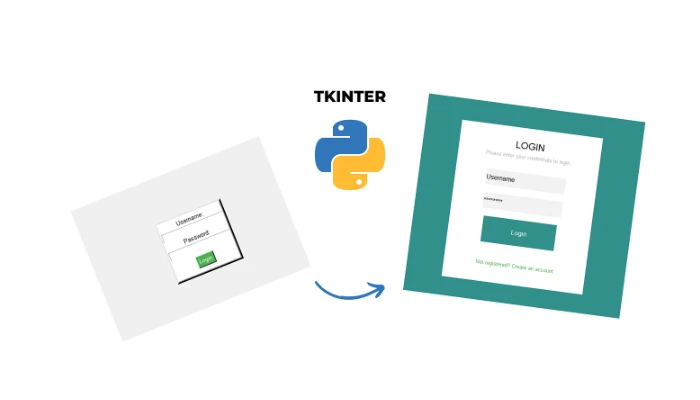





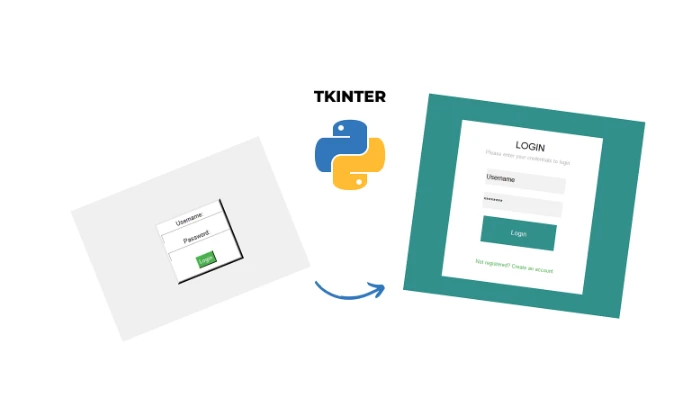
Python GUI Tkinter
What you'll learn
• Understand GUI (Graphical User Interface) concepts
• Create desktop applications using Tkinter
• Use widgets like Label, Button, and Entry
• Connect buttons to functions using event handling
• Design layouts using pack() and grid()
• Build real applications like calculators and quiz apps
• Handle errors using try/except
• Develop structured, user-friendly applications
This course includes:
• 2 Real App Projects
• 6 Hours Live Classes (4 Sessions)
• Online / Onsite (Physical)
• Practice Code Files & Templates
• Mini Project (Quiz App)
• Certificate of Completion
Course Content
Session 1 — Introduction to Tkinter & GUI Basics
Duration: 90 Minutes
Topics Covered:
• What is GUI (Graphical User Interface)?
• Introduction to Tkinter
• Creating a Window using Tk()
• Widgets: Label, Button, Entry
• Understanding mainloop()
• Styling Text (Font, Color)
Key Learning Objectives:
• Understand how GUI applications work
• Create basic windows and widgets
• Learn event-driven programming basics
• Design simple user interfaces
Activities:
• Create a blank window
• Add a label displaying your name
• Add a button that prints a message
• Customize font size and color
Session 2 — Buttons, Functions & Layout Design
Duration: 90 Minutes
Topics Covered:
• Connecting Buttons using command=
• Reading User Input from Entry
• Updating Labels Dynamically
• Layout Managers: pack() and grid()
• Structuring GUI Applications
Key Learning Objectives:
• Connect user actions to program logic
• Build interactive applications
• Organize UI elements properly
• Improve user experience design
Activities:
• Build “Name Greeter App”
• Take input from user
• Display dynamic greeting message
• Experiment with grid layout positioning
Session 3 — Calculator Application
Duration: 90 Minutes
Topics Covered:
• Combining Widgets for Applications
• Handling Arithmetic Operations
• Error Handling using try/except
• Creating Functional UI Components
• Testing Application Logic
Key Learning Objectives:
• Build real-world applications
• Handle errors gracefully
• Combine logic with UI
• Improve debugging skills
Activities:
• Build a 4-operation calculator
• Add buttons (numbers + operators)
• Display results dynamically
• Handle division by zero errors
• Test all calculator functions
Session 4 — Quiz Application (Mini Project)
Duration: 90 Minutes
Topics Covered:
• Multi-screen GUI Logic
• Question Handling System
• Score Tracking
• Displaying Results
• User Feedback Messages
Key Learning Objectives:
• Build complete applications from scratch
• Manage program flow in GUI
• Track user progress and results
• Combine all learned concepts
Activities:
• Build a 10-question quiz app
• Display one question at a time
• Add 4 answer buttons
• Track and display score
• Show final result message
• (Optional) Display question number
Practice Projects for Real-World Skills
• Name Greeter Application
• GUI Calculator Application
• Quiz Game Application
• Interactive Form-Based App
Requirements
• Completion of Python Basic (Modules 1–3)
• Understanding of loops, functions, and logic
• Laptop/PC with Python installed
• Willingness to build real applications
Description
This intermediate-level course introduces students to GUI-based application development using Tkinter. Students will move beyond basic programming and start building real desktop applications with interactive interfaces.
Through hands-on projects like calculators and quiz apps, learners will understand how to connect logic with user interfaces, creating functional and user-friendly software.
Why Choose This Course?
• Build Real Desktop Applications
• Learn GUI Programming (Industry Skill)
• Hands-On Project-Based Learning
• Improves Problem-Solving Skills
• Prepares for Advanced Development
Activities During Class
• Creating GUI windows and widgets
• Building interactive applications
• Connecting buttons to logic
• Designing user interfaces
• Testing and debugging apps
Who Is This Course For?
• Students who completed Python Basic Level
• Beginners moving to intermediate level
• School students learning coding
• Anyone interested in app development
Course Highlights
• Real Application Development
• GUI-Based Learning
• Project-Oriented Approach
• Interactive Coding Sessions
• Certificate of Completion
Enroll Today!
Start building real desktop applications with Python. Learn how to design, develop, and deploy interactive programs using Tkinter and take your coding skills to the next level.
📸 Course Gallery